Safety Studio software
Your team uses Safety Studio for risk assessment, protective measures, SISTEMA results, validation and CE documentation. The software licence is purchased separately from engineering services.
View Safety Studio licences
Safety Studio · Control Soft & Automation
On-site audits by certified engineers. Choose software, a hybrid package or full services: risk assessment, implementation of safety solutions, validation and technical-file preparation.
Control Soft & Automation provides Safety Studio and machinery safety services: on-site audits, risk assessment, design and implementation of safety solutions, validation and technical-file preparation for conformity assessment.
Audit, implementation and documentation services are quoted according to the machine and agreed scope. The 365 and Lifetime prices cover the software only.
Based in Buzău, we carry out on-site Machinery Safety audits across Romania. Location, machine count, available documentation and required work determine the quotation and schedule.
Certified engineers examine the machine, operating modes, hazards, safeguards and available documentation. The audit report identifies nonconformities and required measures; tests and deliverables are defined for each project.
Yes. The hybrid package can include design, integration of safeguards and safety circuits, verification and validation of the implemented functions, and technical-file updates.
No. The file provides documentation for conformity assessment. Manufacturer responsibilities and any involvement of a conformity assessment body depend on the applicable procedure. Engineers’ professional certification does not automatically certify machinery.
European Machinery Regulation
Regulation (EU) 2023/1230 on machinery becomes applicable from 20 January 2027. Early preparation reduces the risk of costly changes, commissioning delays and incomplete technical documentation.
This date does not require automatic recertification of all machinery already in use. Applicability depends on the specific case, including placing on the market, putting into service and any substantial modifications. Official EUR-Lex text.
Safety Studio
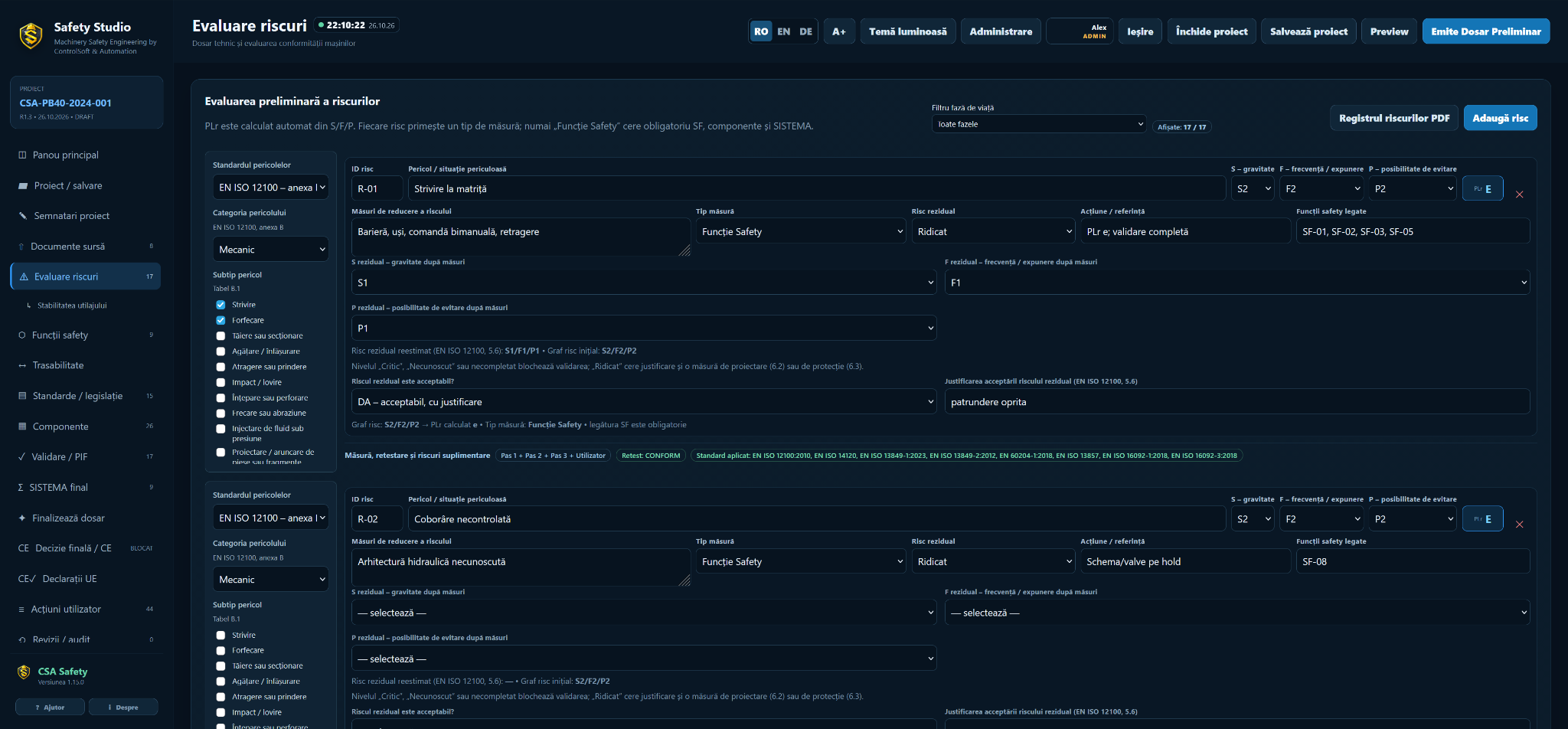
Safety Studio supports structured management of machine data, hazards, safety functions, calculations, validation activities and resulting documents.
Project information remains structured and traceable so that each risk-reduction measure can be followed through verification and documentation.
Safety Studio · RO / EN / DE
Track hazards, measures, evidence and revisions in one project. Generate documents from structured information while keeping engineering decisions traceable.
The CSA licensing server stores identifiers needed for activation and a random unique identifier for the trial project. It does not receive project names, customer details, assessments or documents.
Launch offer for the first 30 customers. Availability is confirmed on enquiry.
Critical security and functionality fixes are included with both licences. Lifetime users do not need the optional €190/year package to receive them. Later interface changes, graphics improvements and other feature updates are separate from critical fixes.
Annual subscription: licence, updates and technical support in one yearly fee.
349 €/ year · valid for 365 days
Standard price after launch: 490 €
You save 141 €
Critical fixes, feature updates to your edition and technical support are included in the paid annual subscription. There is no additional maintenance fee.
Request the 365 licencePerpetual licence: pay once and keep working in the software versions acquired.
990 €one-time payment
Standard price after launch: 1.490 €
You save 500 €
From year 2: optional €190/year for feature updates to your edition — interface and graphics improvements — and technical support. Without the package, keep working and receive the critical fixes included in your licence.
Request the Lifetime licencePrices exclude VAT, per named user. Unlimited projects after activation.
Additional modules and add-ons are optional and quoted separately for both licences, unless explicitly included in your chosen offer.
No card required. One project, retained and available to continue after activation. Deleting or reinstalling does not reset the trial.
Upgrade to Lifetime within the first 90 days and deduct the full amount paid for your annual licence.
Viewing and exporting existing data remain available. Editing and generating new documents require renewal of the 365 subscription.
Use your own API key with a compatible provider or a local model. AI usage is not included: you pay the provider directly. Data submitted through AI is sent to your chosen provider with your consent, without passing through the CSA licensing server.
The signed authorisation is verified locally. Temporary CSA server downtime does not interrupt authorised use. Initial activation and transfers are validated with CSA. A perpetual licence does not expire when optional maintenance ends.
One named user on two personal work devices; no licence sharing. Transfers are allowed by deactivating the replaced device. Projects do not synchronise automatically between computers. Support covers the application; machinery assessments, file reviews and bespoke training are quoted separately.
Safety Studio is an engineering tool. Assessments and generated documents must be reviewed and accepted by the responsible persons; using the application does not certify machinery.
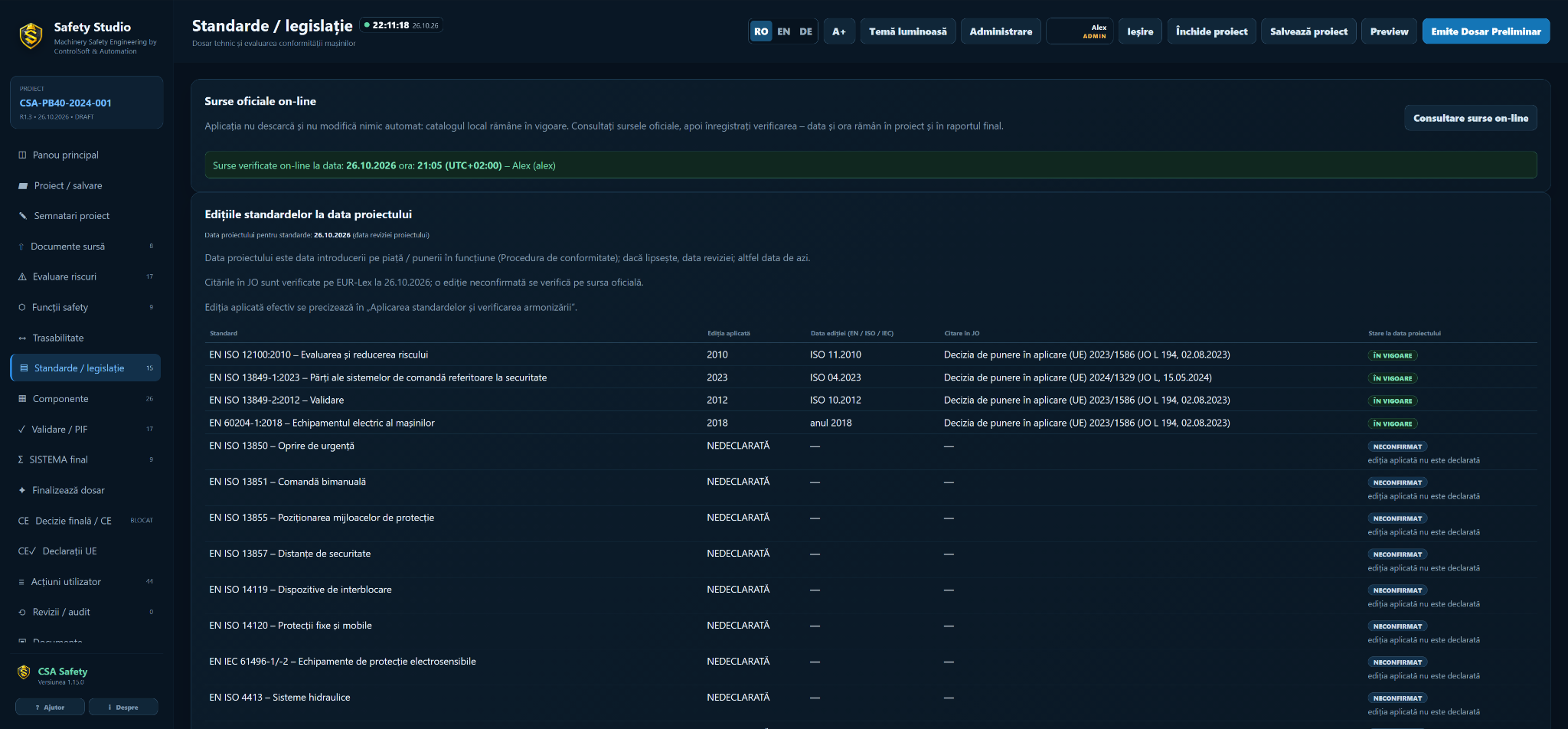
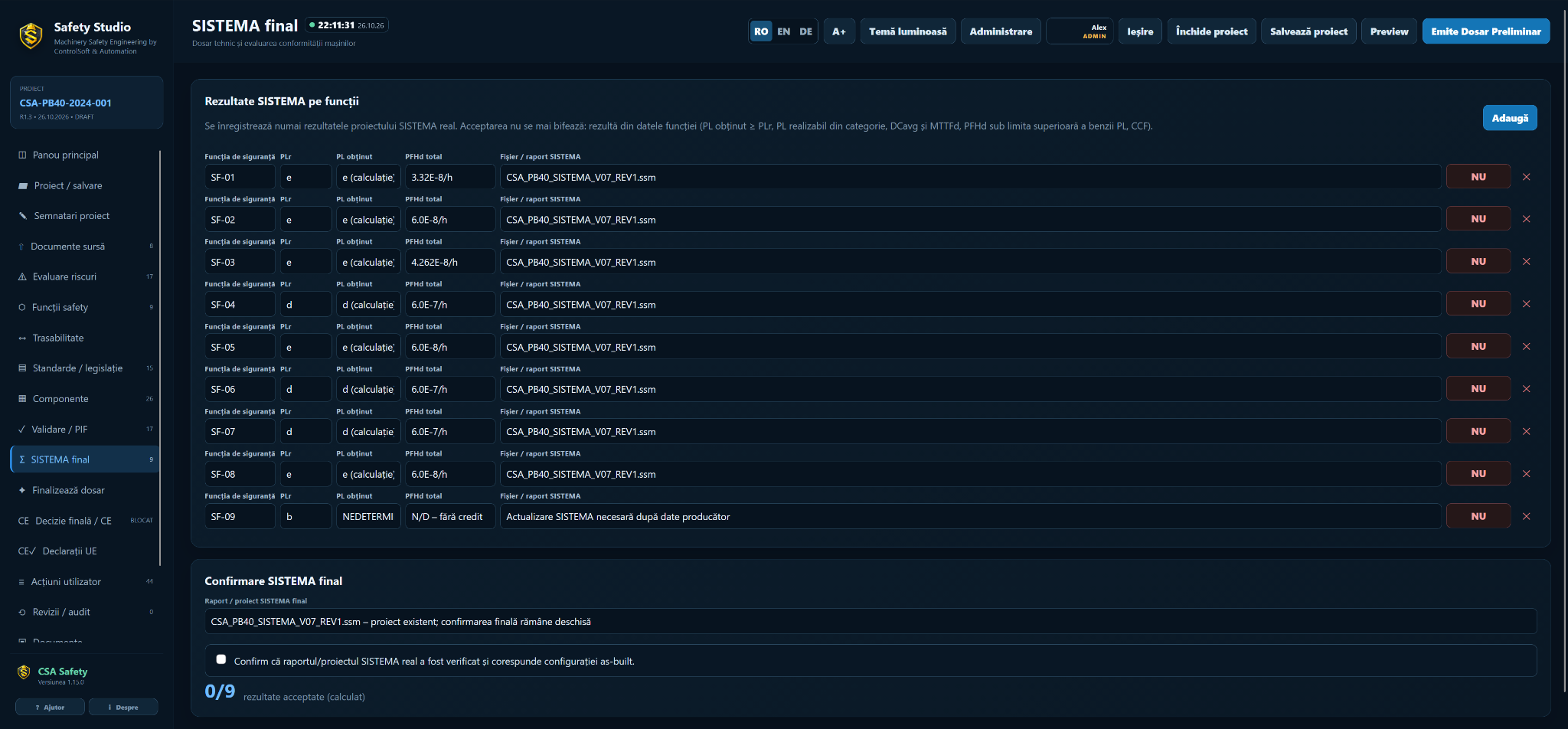
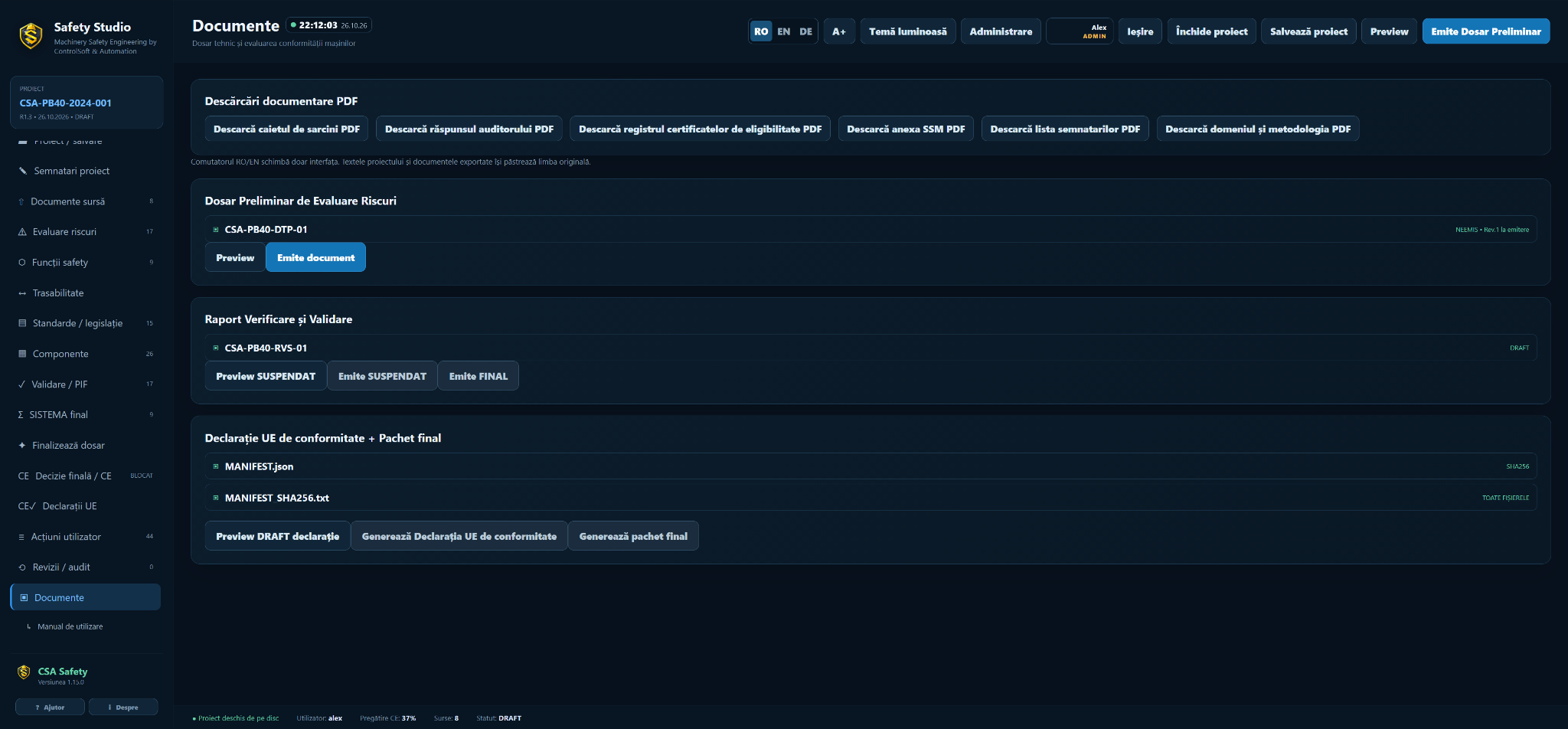
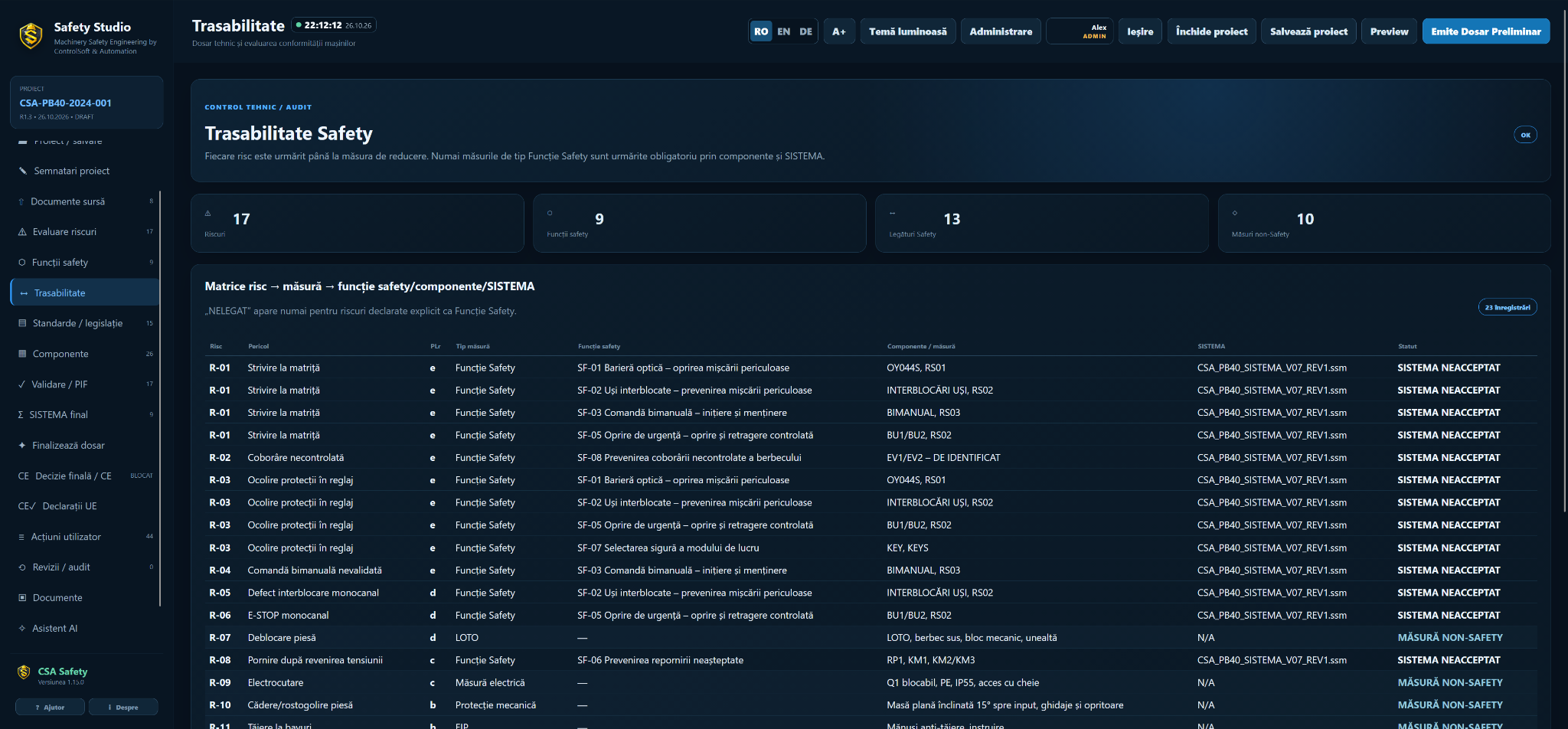
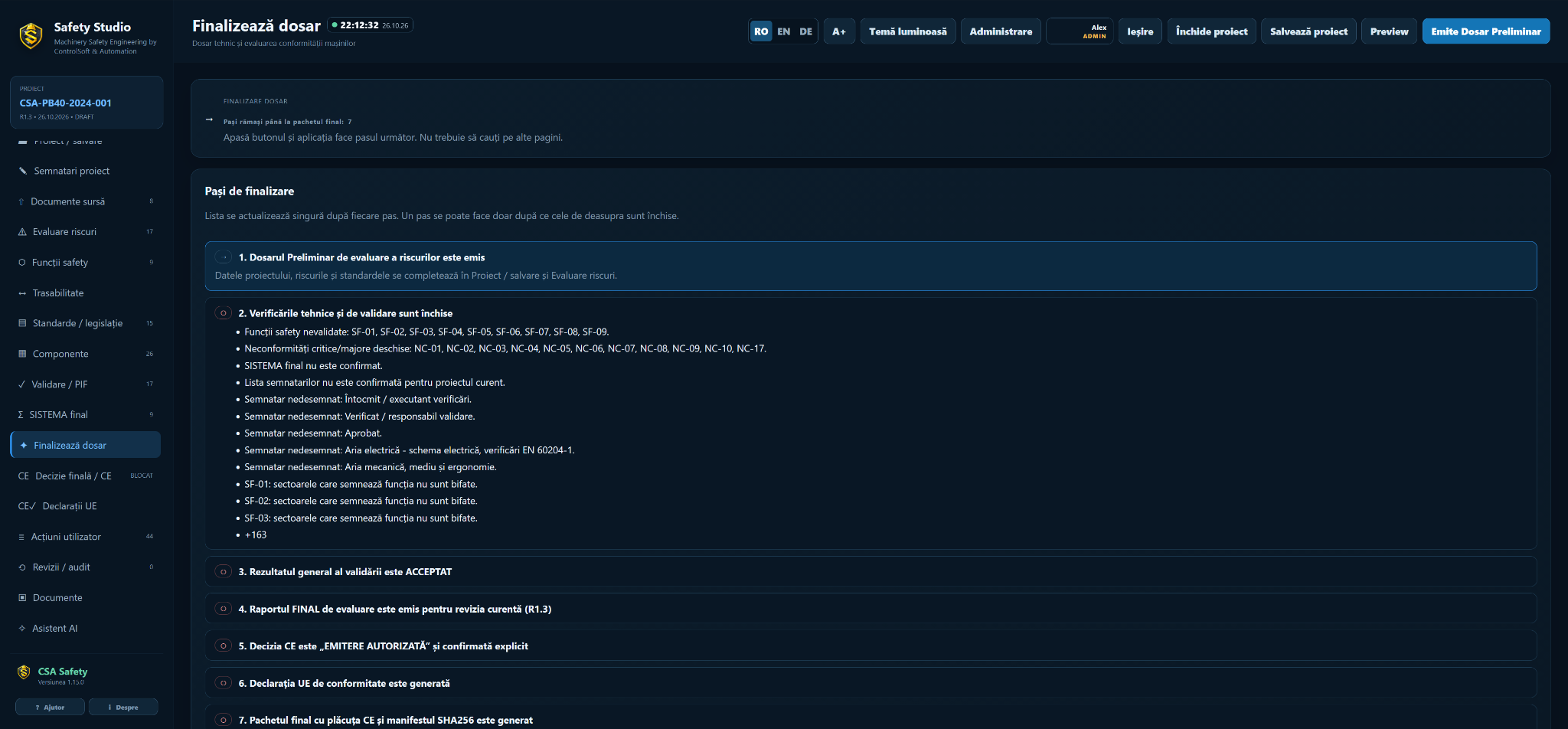
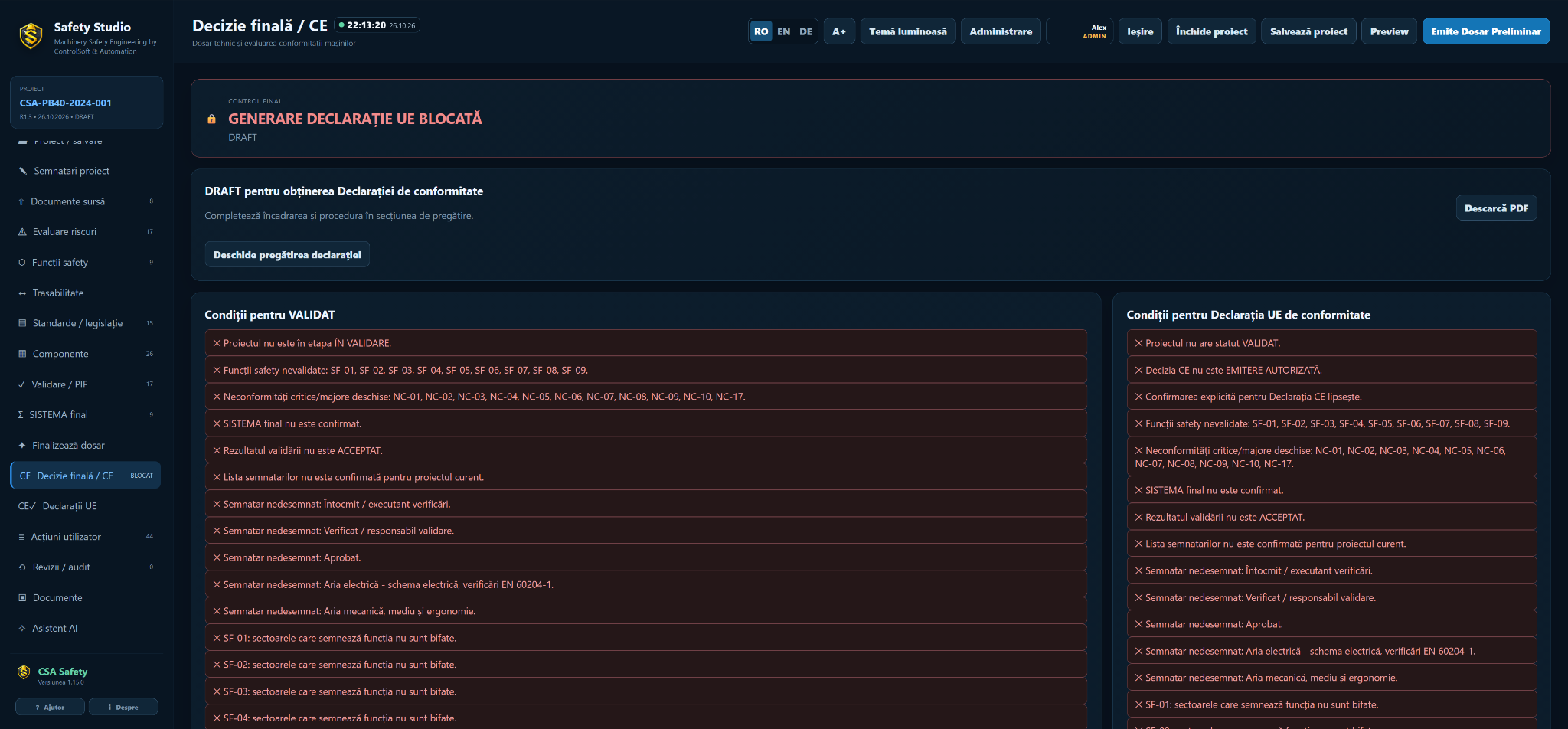
Safety Studio in practice
Real screenshots from a project in progress, shown in Romanian. Displayed statuses reflect checks and actions still open in that project. Click an image to enlarge it.
Machinery Safety services
Our approach brings mechanical, electrical and automation analysis into one documented engineering workflow.
Hazard identification, risk estimation and evaluation, definition of risk-reduction measures and traceability of technical decisions.
Definition of emergency stops, interlocks, two-hand controls, light curtains and safe operating modes.
Control architectures, safety relays and safety PLCs, sensors, actuators and integration of safety circuits into the machine electrical design.
Determination of PLr, subsystem modelling, verification of MTTFd, DCavg and CCF, and documentation of the result in SISTEMA.
Validation plans, functional tests, fault scenarios, measurable results and evidence for technical acceptance.
Preparation of the technical documentation required for conformity assessment: risk assessment, schematics, calculations, validation records and relevant instructions.
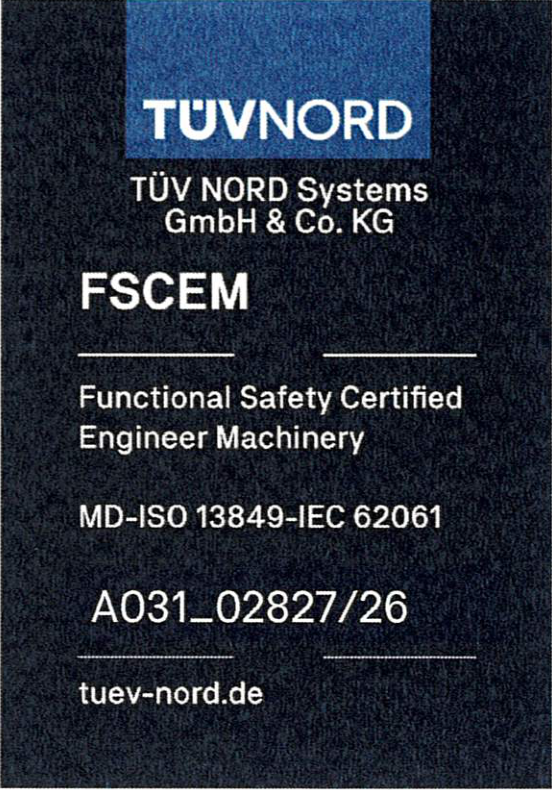
TÜV NORD certified professional competence
Machinery Safety projects are technically coordinated using individually certified professional competence in machinery functional safety.
Certificate A031_02827/26Frequently asked questions
The Regulation becomes applicable from 20 January 2027.
New machinery, modernized machines, robotic cells and equipment integrated into production lines.
Risk assessment, safety-function definition, SISTEMA calculations and reports, validation plans and the technical documentation defined for the project.
TECHNICAL REFERENCE
Risk reduction should be linked to identified hazards, safety functions and evidence that the implemented measures perform as intended.
The assessment defines machine limits, identifies hazards, estimates risk and documents the selected risk-reduction measures. The result must remain linked to the real machine configuration, operating modes and foreseeable interventions.
The required performance level is established for each safety function. The implemented architecture is then evaluated using component data, MTTFd, DCavg and CCF as applicable. SISTEMA supports calculation and documentation but does not replace engineering judgement or validation.
Validation verifies that the safety function behaves as specified, including fault scenarios and reset or restart conditions. Records should identify the test, result, responsible person and any corrective action.
Technical reference